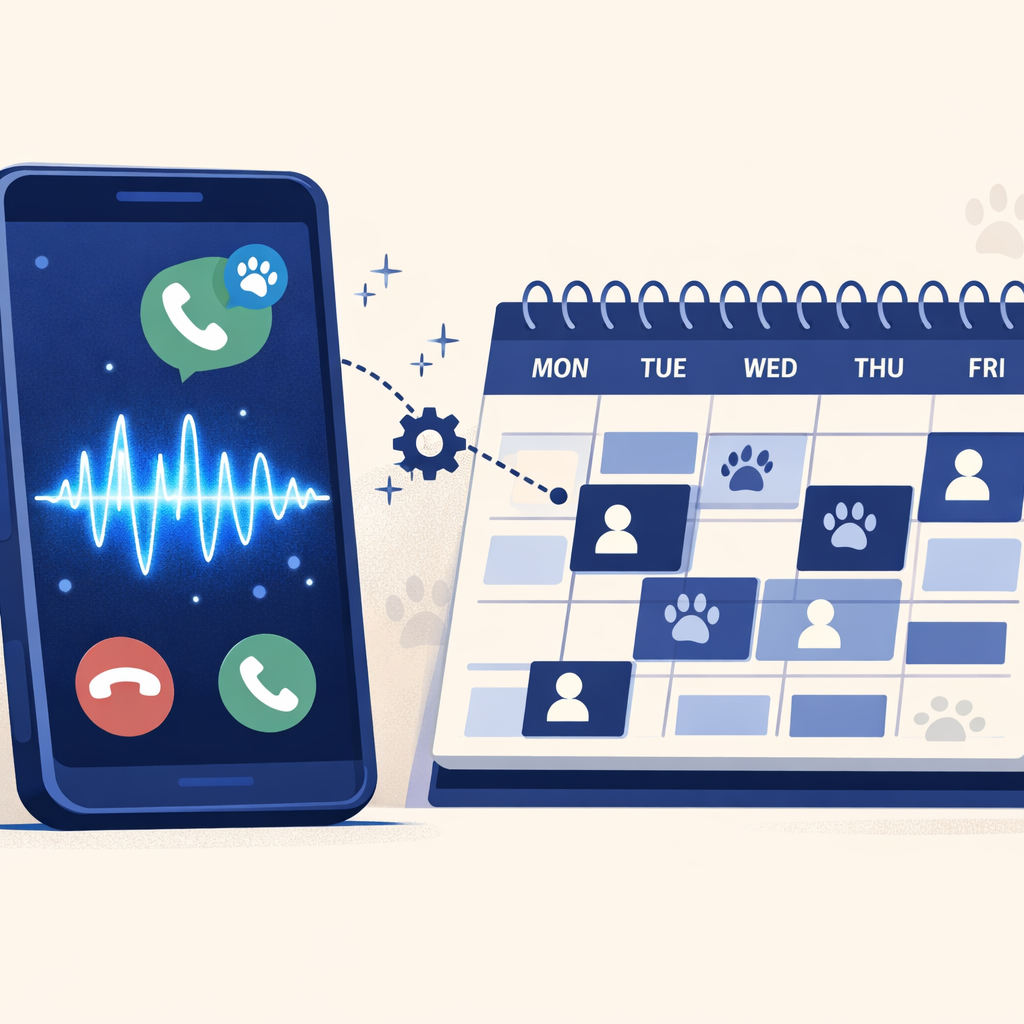
An AI receptionist is a phone system that answers your calls in a normal conversation instead of reading from a script or routing through a menu tree. It can book appointments, qualify leads, route emergencies, and pull customer information out of your CRM mid-call without a human in the loop. Unlike an IVR ("press 1 for sales, press 2 for service"), it doesn't force the caller through pre-set options. It listens to what they say, asks follow-ups, and acts on the answer.
The AI receptionist market has exploded in the past 18 months, with over 200 solutions now available. But not all AI receptionists are created equal. Some are glorified voicemail systems, while others offer sophisticated conversational AI that rivals human performance. This comprehensive buyer's guide will help you navigate the landscape, compare options, and select the AI receptionist that will transform your business communications.
Whether you're a medical practice drowning in appointment requests, a law firm struggling with after-hours emergency calls, or a home services company losing leads to competitors who answer faster, this guide will show you exactly what to look for, what to avoid, and how to calculate your ROI before making a purchase.
What Is an AI Receptionist? (And What It's Not)
An AI receptionist is an advanced phone automation system powered by conversational artificial intelligence that handles inbound calls with human-like interactions. Unlike traditional Interactive Voice Response (IVR) systems that force callers through frustrating menu trees, modern AI receptionists understand natural language, adapt to conversational flow, and complete complex tasks like appointment scheduling, call routing, and information gathering.
How AI Receptionists Work
Three pieces of technology sit behind the conversation. Natural Language Processing reads what the caller actually said - including slang, accent, or trade jargon - instead of matching against a script. Machine learning means the system gets better at your specific calls over time, as it sees more of them.
Speech synthesis produces a voice that sounds more like a person than a recorded prompt - not perfect, but well past the robotic-text-to-speech era. Behind all three, integration APIs wire the AI into your CRM, your calendar, and your industry-specific software (Cornerstone for vets, ServiceTitan for HVAC, AthenaHealth for medical clinics) so it can book, check availability, and update records without a handoff.
What AI Receptionists Can Actually Do
Modern AI receptionists do five things reliably:
- Answer routine questions about your business hours, services, pricing, location - using your actual data, not generic fallbacks.
- Schedule appointments live, checking real availability in your calendar and sending an SMS confirmation while the caller is still on the line.
- Qualify leads by running a short screener and routing the strong ones to the right person, not into a generic queue.
- Handle after-hours calls taking the message, booking the next-day slot, or escalating a real emergency to the on-call staff.
- Run those conversations in multiple languages without a bilingual hire.
What AI Receptionists Cannot Do (Yet)
Honest about the limits: AI receptionists don't handle real negotiations, and they don't replace human judgment on anything legal, clinical, or financial. Heavy accents and noisy backgrounds still trip the speech recognition (less often than they used to, but it happens).
On older PBX systems without proper integration, transferring a live call to a mobile phone can be unreliable. And a panicked or grief-stricken caller is the moment to hand off to a person, not the moment to keep the AI on the line.
The platforms worth buying are the ones that recognize these edge cases and route the call to your staff cleanly — not the ones that pretend the AI can handle everything.
The Business Case: Why Invest in an AI Receptionist in 2026?
The Hidden Costs of Traditional Reception
Before getting into solutions, here's what your current reception setup is actually costing you.
A full-time receptionist earns around $37,000/year per BLS — closer to $50,000 once you add payroll taxes, benefits, and overhead. That's one person covering 40 hours a week. True 24/7 coverage needs three of them, well into six figures annually, and that's before sick days, turnover, or anyone calling out.
Then there are the opportunity costs. A large share of receptionist time goes to repetitive work — the same questions, the same directions, the same business-hours lookup — that doesn't need a human. The calls you miss while the front desk is on a break, in a meeting, or stuck on another line cost more than the salary you're paying: most callers who hit voicemail don't try again, they call the next number on Google. Run the cost of missed calls calculator to see your specific number.
The AI Receptionist Advantage
AI receptionists run a fraction of the cost of human receptionist coverage - see DialIQ pricing for current plans. They cover 24/7 with no sick days, no vacation, no lunch breaks. They scale instantly during seasonal rushes or after a marketing push, when call volume can double overnight. And they integrate with your existing CRM, calendar, and field-management software to automate the work end-to-end — not just answer the phone.
The ROI depends on what you're missing today. For a business losing even a handful of high-value calls per week, the platform fee is typically recovered inside the first month — and the calculator on this site gives you the specific payback for your business.
Industry-Specific Benefits
Home services (HVAC, plumbing, contractors): emergency call capture that converts 3x more after-hours leads, real-time scheduling against technician availability, integration with the major field-service platforms (ServiceTitan, Housecall Pro, Jobber), and seasonal demand handling without temp hires.
Veterinary practices: 24/7 emergency triage for pet owners calling after closing, prescription refill automation, and integration with the main practice management systems (Cornerstone, ezyVet, AVImark).
Medical clinics: HIPAA-compliant patient intake, EHR-connected scheduling, after-hours emergency triage, and automated reminders that cut no-shows by up to 90%.
Real estate: 24/7 lead qualification (buyer vs seller vs renter), tour scheduling, and lead routing while the agent is in showings.
Law firms and professional services: 24/7 case intake, screening that qualifies prospects before they reach an attorney, and confidential call handling.
Key Features to Evaluate: Your AI Receptionist Checklist
Core Functionality Requirements
Start with the things the system has to do well. Without these, nothing else matters.
-
Natural conversation flow. Handles interruptions, picks up context from earlier in the call, and adapts as the caller talks — instead of dropping back to a script the moment someone deviates.
-
Live appointment scheduling. Real-time calendar integration, buffer-time logic, conflict detection, and an automated SMS confirmation that goes out before the caller hangs up.
-
Intelligent call routing. Decision trees that handle emergencies first, skill-based routing to the right team, and after-hours protocols that escalate to your on-call staff — not to voicemail.
Integration Capabilities
An AI receptionist is only as useful as its connections to the rest of your stack. Verify each category before signing.
CRM: Salesforce, HubSpot, Zoho, Pipedrive — for automatic contact creation, call logging, and lead scoring.
Calendar: Google Calendar, Outlook, Calendly, plus any industry-specific scheduling tool.
Industry software (this is where platforms diverge most):
- Home services: ServiceTitan, Housecall Pro, Jobber, FieldEdge
- Veterinary: Cornerstone, ezyVet, AVImark, Impromed, Shepherd
- Medical clinics: Epic, Cerner, Athenahealth — confirm the specific EHR each platform supports
- Law: Clio, MyCase, Lawmatics
Catch-all: Zapier access connects the platform to 5,000+ additional apps when a native integration doesn't exist.
Customization and Training
The platforms worth buying let you shape the AI to match how your business actually runs. Look for:
- Custom greetings and scripts you control without engineering help
- Personality and tone adjustments — the AI for a vet clinic shouldn't sound like the AI for a law firm
- Industry-specific vocabulary so the system recognizes trade jargon, drug names, or service terms
- Workflow customization based on call type — what happens to a routine booking vs an emergency
The system should also learn from your business as it runs: absorbing your FAQs, mirroring how your front desk handles common scenarios, and adapting through seasonal shifts. Training complexity varies widely between platforms — some require programming work, others learn from conversational examples and prompts you can edit yourself.
Analytics and Reporting
The dashboard is the difference between "we have AI" and "we know what AI is doing for us." Essential metrics every platform should track:
- Call volume by time of day and day of week — so you can spot peak windows and staff around them
- Appointment booking rates and conversion percentages
- Call duration and handling efficiency
- Missed call identification — even AI misses some; the ones it does need to be visible to you
- Customer satisfaction ratings collected at the end of the call
Advanced analytics and reporting layers add sentiment analysis (flagging frustrated callers in real time), conversion funnel tracking from call to closed deal, A/B testing across scripts and prompts, and pattern recognition for the questions callers ask most often.
Security and Compliance
Compliance requirements depend on what kind of data your callers will share.
-
Healthcare: HIPAA compliance with a signed Business Associate Agreement (BAA), encrypted call recordings, audit trails, and proper handling of any PHI the caller mentions.
-
Legal: Attorney-client privilege protections, confidential-communication standards, and secure storage for case-related call data.
-
Financial services: PCI compliance for any payment information handled on the call, plus the standard financial-data protection requirements.
-
Everyone else: SOC 2 certification at a minimum, end-to-end encryption, documented backup and disaster recovery procedures, and an uptime SLA of 99.9% or higher.
Comparing the Top AI Receptionist Solutions
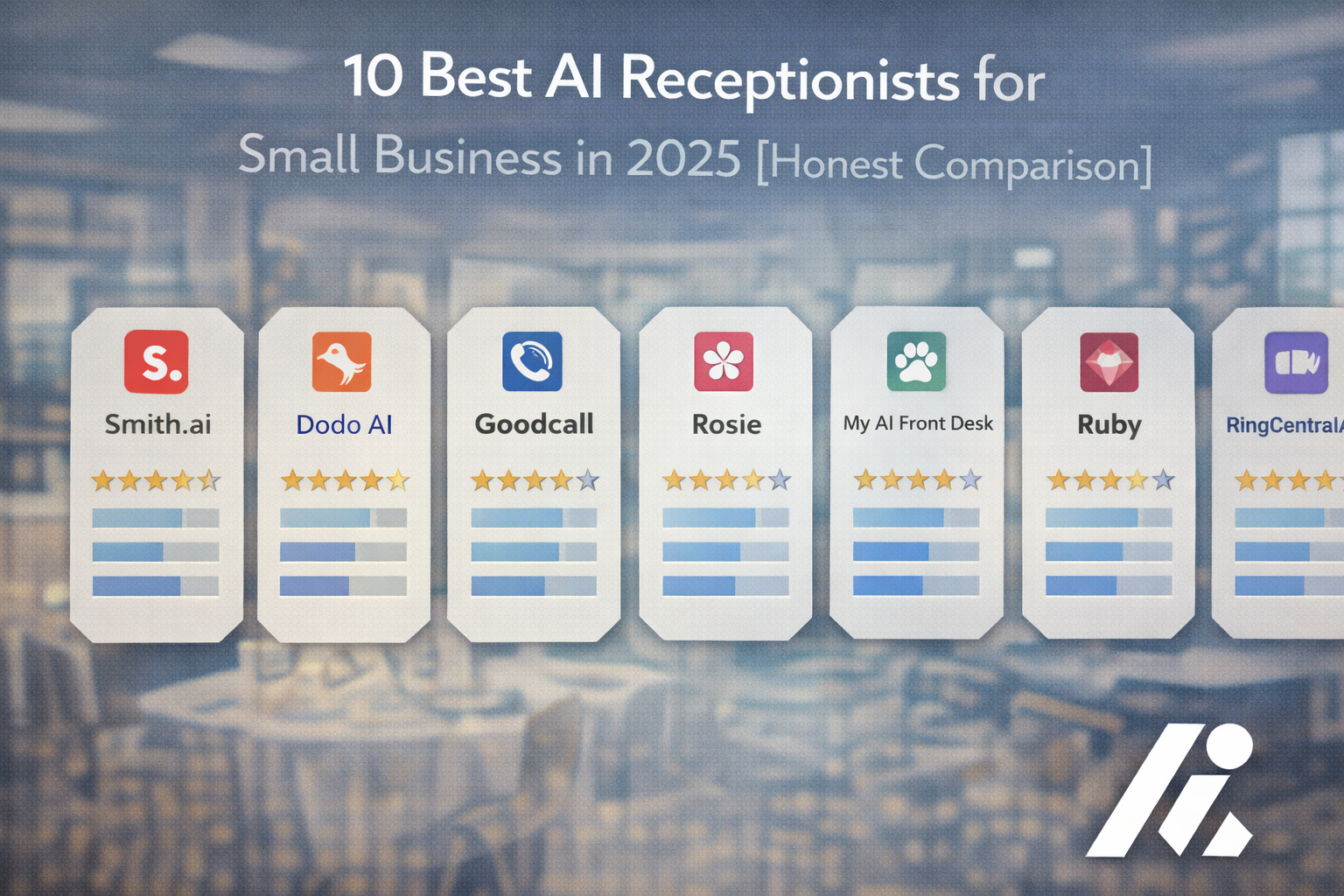
AI receptionist platforms cluster into four tiers — enterprise-grade, mid-market, entry-level, and vertically specialized. The framing below covers what each tier offers and who it fits. For head-to-head specifics on individual platforms — Smith.ai, Goodcall, Rosie AI, Retell, Bland AI, DialIQ — see the standalone best AI receptionists for small business comparison.
Premium Tier: Feature-Rich Enterprise Solutions
Enterprise-grade platforms run several times the cost of mid-market solutions. They offer advanced conversational AI with deep contextual understanding, unlimited integrations into enterprise systems, dedicated account management, custom training, white-label options for agencies and resellers, and priority support backed by SLA.
Best for: mid-size to large businesses, multi-location franchises, agencies managing client communications, and businesses with complex workflows that need deep customization.
Mid-Tier: Best Value for Growing Businesses
The sweet spot for most small and mid-sized businesses — serious functionality without enterprise complexity. Platforms in this tier offer intelligent appointment scheduling and call routing, integrations with the major CRMs and calendar systems, customizable greetings and workflows, multilingual support, and full analytics dashboards.
DialIQ sits in this tier — plans are listed on the pricing page so you can match a plan to your call volume directly. Other platforms in the same tier price similarly in the low-to-mid hundreds per month, depending on call volume and feature depth.
Best for: medical and dental practices, law firms and professional services, home services contractors (HVAC, plumbing, electrical), veterinary practices, real estate agencies, and any small-to-mid business with phone-heavy operations.
Budget Tier: Entry-Level Automation
Entry-level solutions exist for solopreneurs and businesses just testing AI. They typically offer basic call answering and message-taking, simple appointment booking with limited integration, standard greetings with minimal customization, and email or text notification of calls.
Best for: solopreneurs and very small teams, businesses with straightforward call handling needs, companies testing AI before a larger investment, and operations under 100 calls per month.
Specialized Solutions: Industry-Specific Platforms
Some platforms are built for a specific vertical and pre-bake industry workflows that horizontal platforms only handle through customization.
-
Medical platforms: built-in HIPAA compliance with BAAs, EHR integrations, medical terminology recognition, and insurance-verification workflows.
-
Legal platforms: case intake questionnaires, legal terminology training, conflict-checking workflows, and confidential-communication standards.
-
Restaurant platforms: reservation management, menu question handling, OpenTable or Resy integration, and multilingual support.
Horizontal platforms with strong customization (and the right integrations) can match vertical-specific functionality for most use cases — the trade-off is more configuration up front in exchange for broader flexibility.
Implementation: What to Expect During Setup
Modern AI receptionists are built for fast rollout, not multi-week implementations. Cloud-native platforms typically go live in 10 to 15 minutes for standard setups — no phone-system replacement, no IT engagement, no professional services contract. Enterprise platforms with deep custom workflows take longer (one to four weeks), but for the average small business that timeline isn't necessary.
The one real pitfall to watch is integration with legacy on-premises phone systems. If you're still on an older PBX without standard API access, transferring live calls to mobile and pulling caller history into the AI can be unreliable. Modern VoIP systems handle this without issue.
Before flipping the switch on all your inbound calls, run a short pilot — one or two weeks on a single use case, like after-hours calls or emergency triage. Compare results against a typical week of your old setup, and only roll the AI out to everything once the pilot numbers hold. The AI receptionist implementation checklist lays out the specific steps in more detail.
Pricing Models and ROI Calculations
AI receptionist pricing falls into four models:
- Per-call: typically under $2 per call — fits low or unpredictable volume, but gets expensive at scale.
- Monthly subscription: a fixed fee for a set number of calls, with overage charges beyond that. Predictable budgeting, best for steady call volume.
- Tiered plans: multiple price points with increasing features and call volumes. Lets you scale up as the business grows without changing platforms.
- Enterprise custom pricing: unlimited calls, dedicated support, and bespoke integrations — priced individually.
DialIQ uses tiered subscription pricing — see current plans.
The ROI math depends on what you're missing today. The fastest way to see your specific number is the cost of missed calls calculator — plug in your call volume, miss rate, conversion rate, and average customer value, and it returns your annual exposure to the dollar. For most businesses missing even a handful of high-value calls per week, the platform fee is recovered inside the first month.
Hidden costs to factor in beyond the monthly fee: a few hours of staff time for initial configuration, possible integration costs if your existing CRM or phone system needs custom API work, and ongoing time for script refinement as you tune the AI to your business. These are modest compared to a human hire, but worth including in your total cost of ownership.
Your Next Steps
The shift to AI reception isn't about replacing your team — it's about giving them their time back. The repetitive call work (the same questions, the same bookings, the same after-hours lookups) goes to the AI. The work that actually needs a person — closing a complex job, handling an upset customer, judgment calls — stays where it should.
If you've read this far, your next steps are concrete:
- Get your specific number. Run the cost of missed calls calculator to see what missed calls are costing your business annually. That's your floor — every month you wait, you keep paying it.
- Compare platforms on the criteria above — conversation quality, integration coverage, customization depth, and pricing model. The features checklist earlier in this guide is the framework to use.
- Run a one-to-two week pilot on a single use case. After-hours coverage and emergency triage are the highest-value starting points. Measure against a typical week of your old setup, then decide.
If DialIQ fits your criteria, see plans and start your 14-day free trial — no credit card, live in 10 minutes.